
Our Little Family
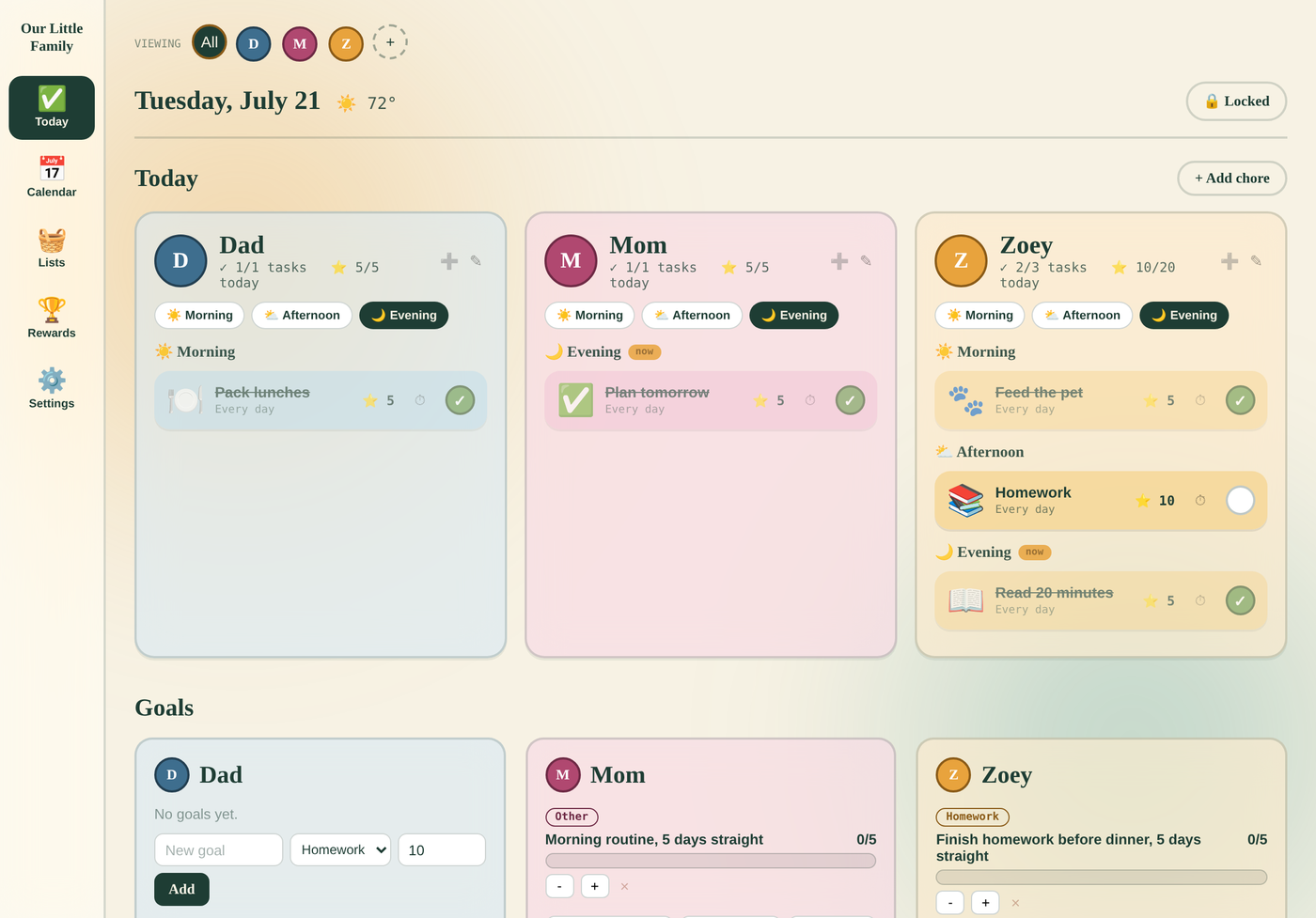

A shared organizer for parents and kids — a daily dashboard of chores and events, a shared calendar, a rewards store your kids can actually get excited about, and a focused view just for them.
A focused view for the kids, and a shared calendar for everyone.
No clutter, no features you'll never touch — just the essentials, done well.
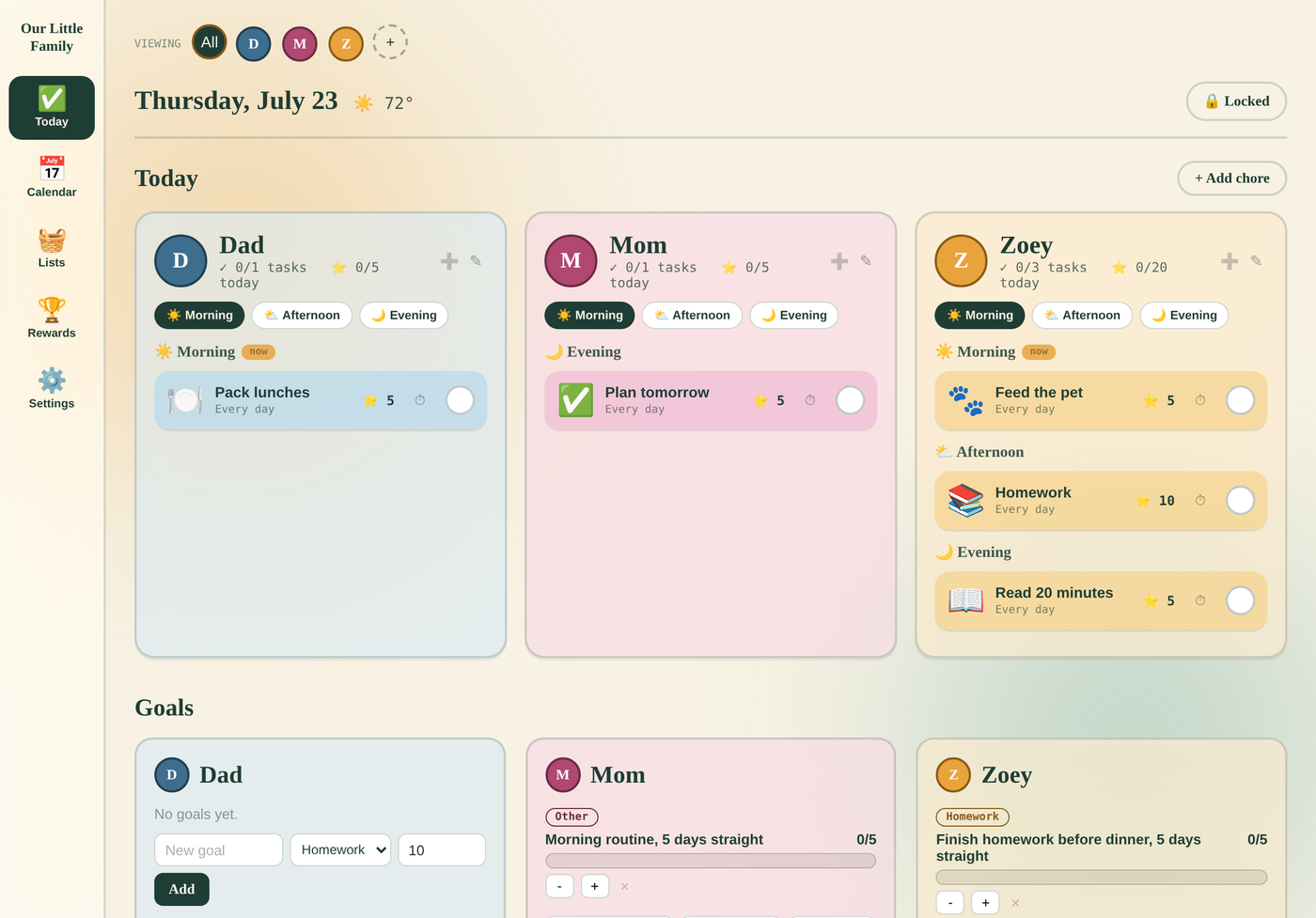
Every family member's chores and events for the day, automatically grouped into Morning, Afternoon, and Evening.
A week and month view for family events, with optional read-only import from Google, iCloud, Outlook, or Yahoo Calendar.
Chores can repeat daily or weekly, carry a due time, and award points — with a parent PIN protecting edits and deletions.
Kids redeem earned points for rewards parents set up, like extra screen time or picking the next family movie.
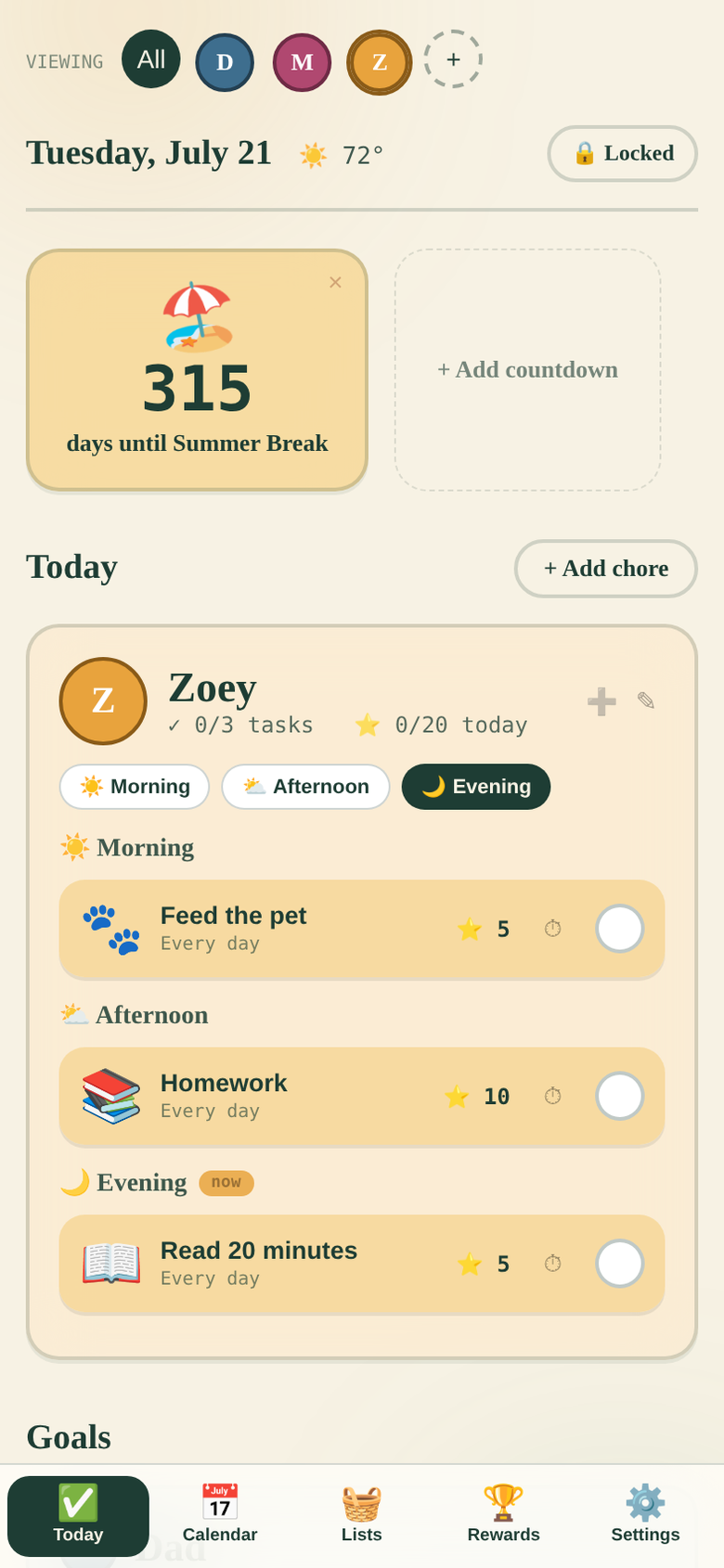
Track longer-term goals like reading streaks, and set fun countdowns to birthdays or holidays on a child's own profile.
Switch to a child's profile for a simplified view of just their day — great for kids who need that extra little bit of help focusing.
Upload your school's calendar as an Excel file or PDF, and we'll pull out the dates and events automatically — no retyping a year's worth of dates by hand.
Our Little Family uses Sign in with Google so your family's data can sync across every device you use, instead of being stuck on just one phone or tablet.
Full details are in our Privacy Policy.
Parents who want their whole family — including kids too young for their own accounts — working off one shared, always-up-to-date schedule and chore list, with a rewards system that actually motivates.
Start on the web today — the same account will carry over once the iOS app is live.
Open the App